
HGNice Download – Unlock a Seamless Setup with Confidence
Explore HGNice download guidance with clear information about device compatibility and installation preparation. Before considering the hgnice apk or hgzy apk, check the file source, publisher details, and requested permissions to make a more informed and secure decision.

Getting Familiar with the HGNice Login Environment
Understanding the available download options is an important step before exploring HGNice on different devices. Users may encounter several websites, application listings, and third-party pages while searching for related information. Search terms such as hgzy, hgzy game, and hgnice game can lead to different results, so it is important to identify the intended service before opening any link.
Check the website address, publisher details, privacy policy, and available download instructions carefully. If an application file is offered, review its format, compatibility, and requested permissions before considering installation. Avoid unfamiliar websites that display misleading download buttons or promise unsupported benefits.
Mobile users should also check available storage and operating system requirements, while PC users should review browser compatibility. Remember that a search result does not automatically confirm a file’s authenticity or safety. Taking time to compare available information can help you understand the download process, avoid questionable sources, and make better decisions about device security and personal information.
Before Downloading HGNice – Essential Checks to Complete
Before downloading anything related to HGNice, take time to examine the source, file information, and device compatibility. Searches for hgzy game download apk, hgzy apk ডাউনলোড, and hgzy apk latest version should be checked carefully because search listings alone cannot confirm authenticity or safety.

Verify the Download Source
Check the website address, publisher identity, and available contact information. Avoid unfamiliar pages, misleading download buttons, or sources that provide no clear details about the application.
Review File Information
Examine the file format, version details, and available description before downloading. Do not open unknown files or proceed when the publisher and file information cannot be independently verified.
Check Device Compatibility
Review your device’s operating system, storage capacity, and browser requirements. Confirm that the offered file is intended for your device instead of assuming every version works across different platforms.
Examine Security and Privacy
Read the privacy policy and check requested application permissions before installation. Avoid files that demand unnecessary access, and never provide passwords or verification codes to unfamiliar sources.
How to Download HGNice on Android, iOS and PC
Downloading HGNice requires careful attention to your device and the source of any offered application. Whether researching hgzy app, hgnice app, or other download options, verify publisher details, compatibility, and privacy information before opening links or installing files. Follow these steps to understand the process safely.
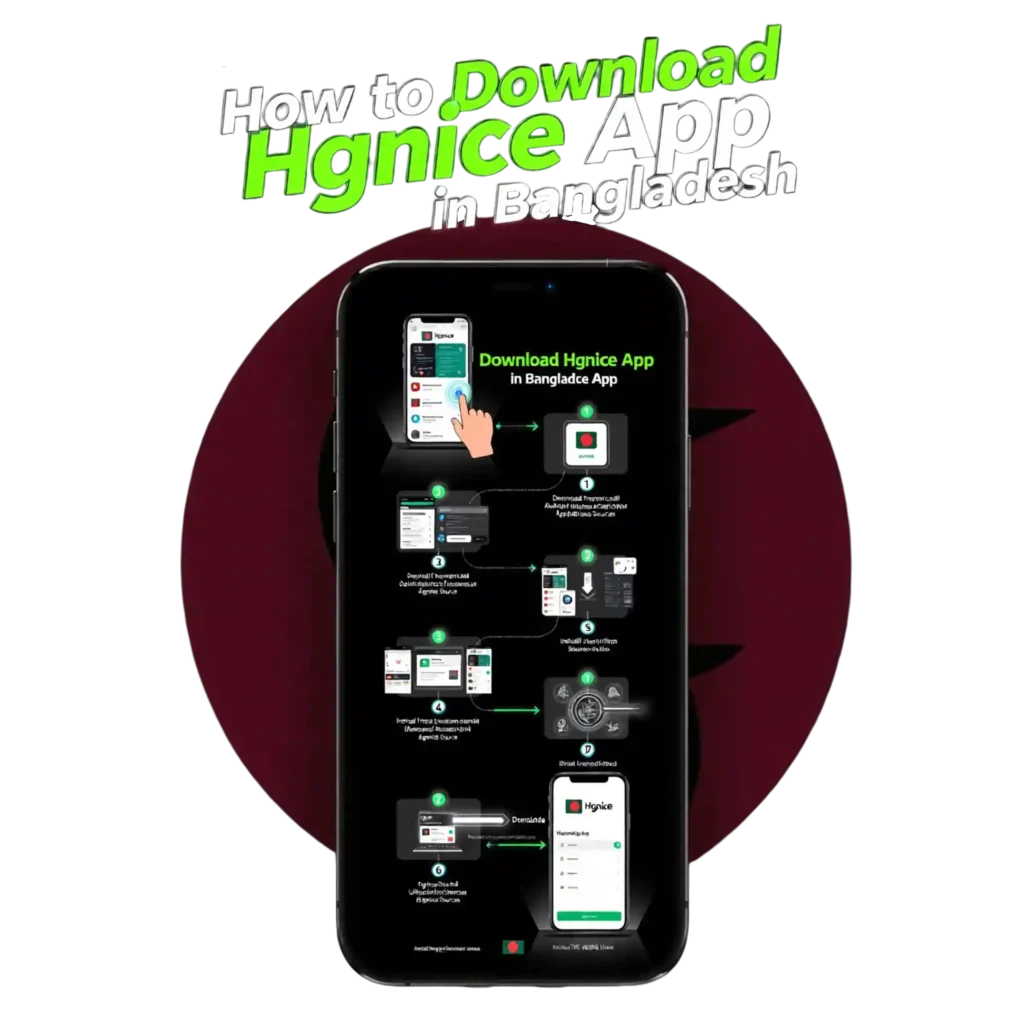
Steps to Follow for HGNice Download
Step 1 – Android: Check the source and publisher before considering an APK. Review file details, Android compatibility, and requested permissions before installation.
Step 2 – iOS: Check whether a supported application is listed through a trusted distribution channel. Review developer information and avoid unfamiliar configuration profiles.
Step 3 – PC: Open the relevant website using an updated browser. Verify the domain, review privacy information, and avoid downloading unknown executable files.
Step 4 – Final Review: Confirm that the download source matches the intended service. Check device compatibility and never share passwords or verification codes during the process.
HGNice Download Safety – Identify Risks Before Installing
Download safety should remain a priority when exploring HGNice and reviewing application-related information. Before opening any download link, check the website domain, publisher identity, and available privacy policy. Unfamiliar pages may display misleading buttons, copied branding, or unsupported claims to encourage users to download unknown files. Never assume an APK is safe simply because it appears in search results or carries a familiar name. Review the file details, version information, and requested permissions before considering installation. Avoid applications that demand unnecessary access to contacts, messages, storage, or other sensitive information. Keep your device security features active and update your operating system regularly. If a download page requests passwords, OTPs, or payment details without a clear explanation, stop and investigate further. You should also avoid third-party tools promising guaranteed rewards, account upgrades, or special access. Careful source verification and responsible device practices can help reduce exposure to suspicious files, protect personal information, and support more informed download decisions.
HGNice Installation Guide – From File to First Launch
Installing an application related to HGNice requires more than opening a downloaded file. Before proceeding, verify its publisher, source, file details, and device compatibility. Review every permission request carefully, keep your device security active, and avoid unfamiliar installers that request unnecessary access to personal information.

Verify the Downloaded File
Check the file name, format, publisher, and version information. Make sure the file comes from a source you can independently verify, and delete suspicious or unexpected downloads.
Check Device Compatibility
Confirm that your Android, iOS, or PC operating system meets the stated requirements. Review available storage and avoid installation if the file is incompatible or its origin is unclear.
Review Installation Permissions
Read each permission request before allowing access. Be cautious if an installer requests contacts, messages, accessibility controls, or other information unrelated to its stated purpose.
Complete a Security Review
After installation, check the application’s displayed identity and available privacy settings. Keep security protections enabled, avoid sharing login credentials, and uninstall anything that behaves suspiciously.

HGNice APK Problems – Troubleshooting Common Issues
Users exploring HGNice may encounter download or installation difficulties. Consider these common issues and practical checks:
Download Failure: Check your internet connection and confirm that the source is accessible and trustworthy.
Installation Blocked: Review device compatibility and file details. Never disable security protections to force installation.
Insufficient Storage: Remove unnecessary files and ensure enough space is available before trying again.
App Not Opening: Restart your device and check whether your operating system meets the stated requirements.
Unexpected Permissions: Stop installation if the application requests unrelated access to sensitive information.
Outdated File: Verify version information through a reliable publisher before considering another download.
Repeated Errors: Avoid random APK files and seek assistance through independently verified support channels.
HGNice Referral Bonus – Know the Terms First
Users exploring HGNice may come across referral bonus information while researching account-related offers. Before participating in any referral program, carefully review the provider’s published terms, eligibility requirements, and applicable conditions. Check whether an offer is currently available, how referrals are counted, and whether any restrictions apply to new or existing accounts.
Do not assume that sharing a link automatically qualifies someone for a reward. Some programs may include specific participation rules, verification steps, or expiry dates that affect eligibility. Also, avoid websites or individuals promising guaranteed bonuses in exchange for passwords, OTPs, deposits, or personal account information.
If you encounter referral claims through third-party pages, verify them through a reliable source before taking action. Keep your account credentials private and never install unfamiliar applications to unlock promotional benefits. Understanding the rules beforehand can help you distinguish genuine published information from misleading advertisements. A careful approach allows users to evaluate referral offers responsibly while protecting their privacy and making informed decisions about promotional activities.
HGNice Download – Final Checklist for a Safer Experience
Before completing your HGNice download research, take a moment to review the important details covered throughout this guide. Start by checking the website address and confirming whether the publisher information is available and trustworthy. Review the application’s version, file format, and device compatibility before considering any download or installation.
Make sure your Android, iOS, or PC device has sufficient storage and updated security features. Carefully examine requested permissions and avoid unfamiliar files that demand unnecessary access to personal information. Read the available privacy policy, terms, and eligibility conditions before creating or accessing an account.
Never share passwords, OTPs, or recovery codes with third parties, even if they claim to offer technical support or promotional benefits. If you encounter suspicious download links, misleading advertisements, or unexpected installation requests, stop and verify the information independently. Remember that search listings do not establish file authenticity or guarantee application features. A thoughtful review of these details can help you approach the download process with greater awareness, protect your device, and make more responsible decisions.